MiningMaven SMP Cosmetics Guide
How cosmetics work on MiningMaven SMP: the Cosmetics Crate, wraps with abilities, relic gear, and how to equip, detach and trade them.
By the MiningMaven SMP team · Updated
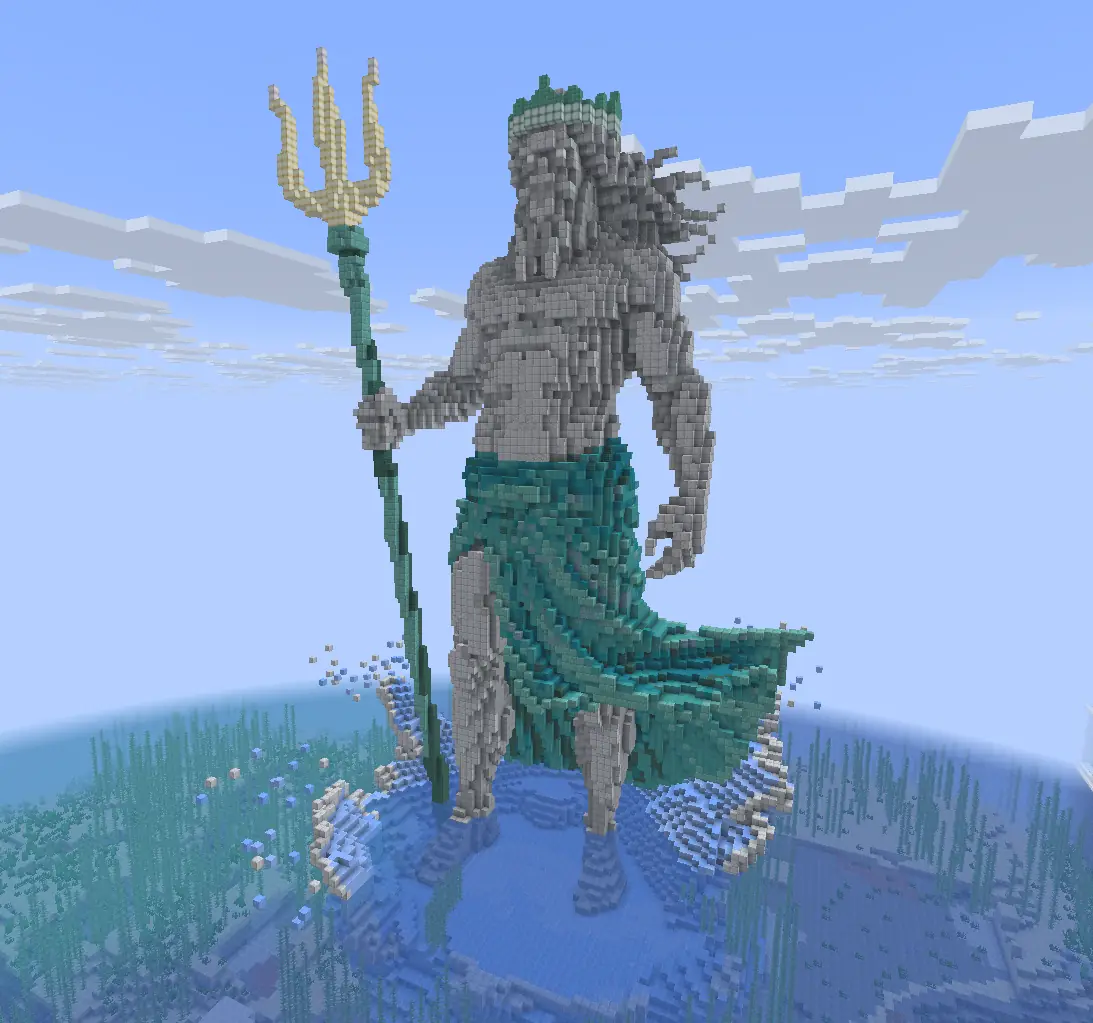
Cosmetics on MiningMaven SMP come from Season 1, Tides of Olympus. They are more than looks: every wrap comes with its own ability, and relics are real gear you can use and trade. This guide covers where they come from and how to use them.
Where cosmetics come from
- Open the Cosmetics Crate at spawn with a Cosmetics Key. Each key gives you 3 pulls.
- Cosmetics Keys cost 1,000 Tokens in /keys. They also show up now and then in the Black Market (/bm).
- Prizes come in six rarities: Common, Uncommon, Rare, Epic, Legendary and Mythic.
- Left-click the crate to preview every prize before you open it.
What the crate holds
- Wraps: 20 skins for weapons, tools and armor, such as Poseidon's Trident Wrap, Oracle Scythe Wrap and the Oceanic Paladin armor set.
- Relics: real custom gear items such as the Leviathan Hammer, Atlantean Katana and Maven Relic Pickaxe. They are items, not skins.
- Potions and charms: one-use items like Deep Current Flask (Speed III), XP Surge (3x XP) and Nereid's Growth (grows crops within 20 blocks).
- Rare extras: enchantment fragments (Protection, Fortune, Looting, Sharpness) that add a level to your gear, the Mythic Sell Wand, and the Oceanic Ingot, which activates a 30-day Legend rank.
Wraps and their abilities
A wrap changes how a weapon, tool or armor piece looks, and adds that wrap's ability while it is applied. For example, the Naiad Rod Wrap gives Tidal Pull, which raises your treasure chance while fishing. Each wrap's item tooltip says which item type it fits and what its ability does.
How to equip a wrap
- Right-click the wrap item to store it in your wrap collection.
- Hold a matching item in your main hand, for example a Fishing Rod for the Naiad Rod Wrap.
- Type /wraps, click the wrap, then click Attach.
- To take it off, hold the item, open /wraps, click the wrap and choose Detach. Remove Token gives you the wrap item back so you can trade it.
Trading and selling cosmetics
- Wrap items, relics and potions are real items, so you can sell them on the auction house (/ah) or swap them with /trade.
- An item with a wrap applied cannot be listed on the auction house or put in a trade. Detach the wrap in /wraps first.
- Your wraps also show on your account page on the website, and the website marketplace lets players buy and sell wraps.
Join MiningMaven SMP and try cosmetics yourself
Join on Java Edition or Bedrock Edition, earn some Tokens, and open the Cosmetics Crate at spawn.
Get new guides by email
One short email a week with new guides, server updates and events. No spam, unsubscribe any time.